How do you make Home Assistant more reliable?
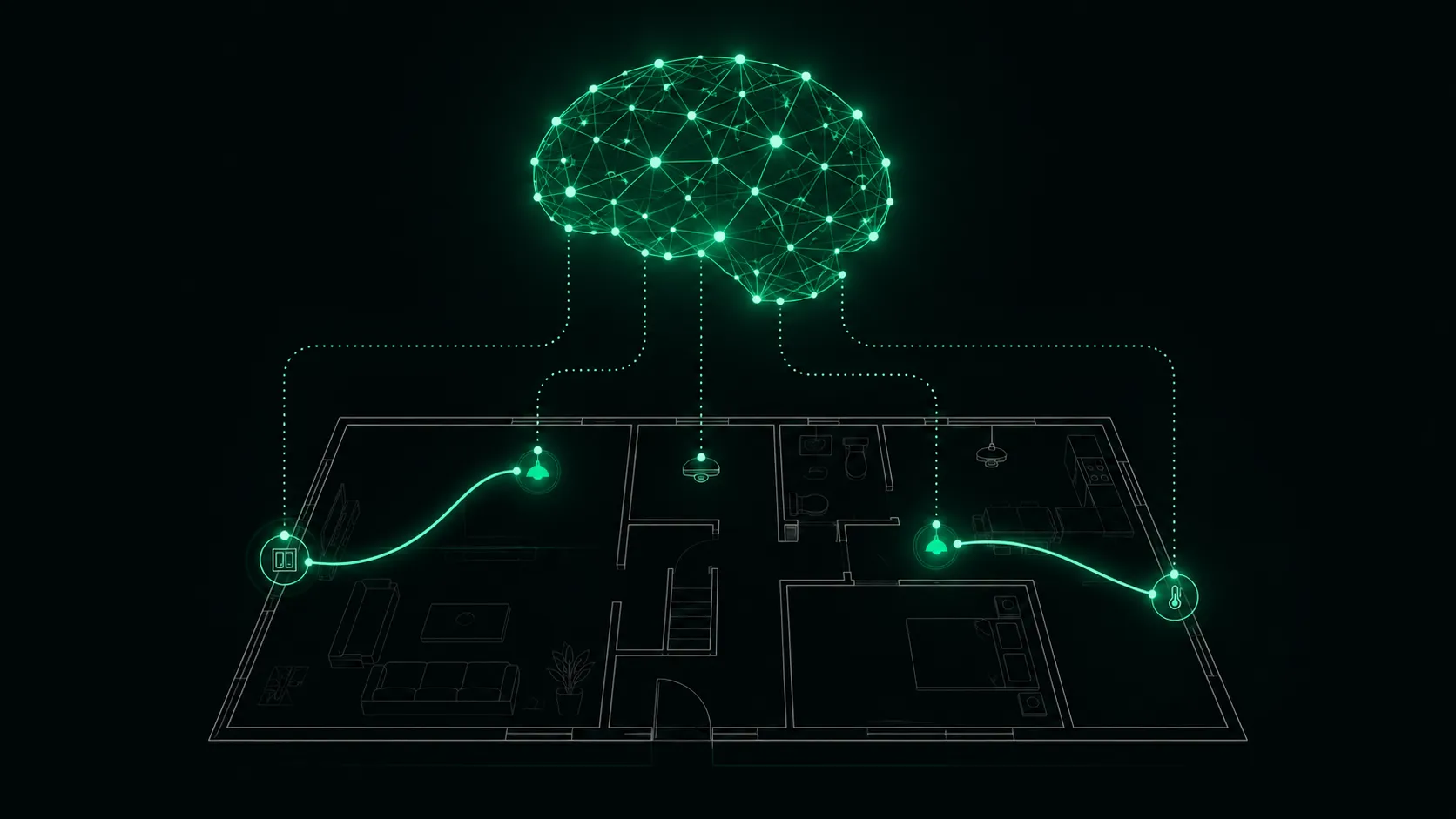
Short answer first: treat Home Assistant as the brain, not as the spinal cord. Basic switching logic (press button, light comes on) moves into the devices or between the devices: as an ESPHome automation on the microcontroller, as a Zigbee binding from button to lamp, as a Z-Wave association. Home Assistant keeps everything that genuinely needs a brain: context, scenes, statistics, the dashboard. And when the server happens to be installing an update, rebooting, or simply dead, the light in the shower still switches.
That is the whole thesis of this post. The rest is the reasoning, two concrete how-tos and an honest table of what each path can do.
Why the topic won’t let go of me: Home Assistant stopped being a hobby project a while ago and became infrastructure. More than 654,000 active installations report to the project’s opt-in statistics, and that is only the share that opted in; the real number sits well above it. Infrastructure, though, is not judged by its dashboard. It is judged by the light switch. A light switch from 1975 has an uptime record every software stack can only stare at. Anyone installing smart gear competes against that expectation, whether they like it or not.
The bottleneck between button and lamp
Walk through, in slow motion, what happens in a typical setup when someone presses a Zigbee button. The button radios the coordinator stick. The stick hands the frame to Zigbee2MQTT. Zigbee2MQTT publishes to the MQTT broker. Home Assistant is subscribed, an automation fires, calls light.turn_on, and the command travels the same route back: broker, Zigbee2MQTT, stick, radio, lamp.
Depending on how you count, that is seven stations for “light on”. Each one is a process that has to be running. Each one gets updates. Several share the same SD card, the same disk, the same small computer in the hallway. When one station fails, you don’t lose a convenience feature. You lose the light switch. I wrote up how such a failure feels when it hits at the worst moment in the story of the Z2M cascade on a Thursday afternoon — ever since, every automation I build gets the question: what happens when this chain snaps?
To be clear, none of this is an accusation against Home Assistant. The stack is remarkably stable, and most of those seven stations run for months without a squeak. But stability is not the same thing as independence. An update is still an update, a reboot is still a reboot, and both belong to honest operations. The question is not whether the server is briefly gone. The question is what still works in that moment.
Brain and spinal cord
The human body solved this problem elegantly. Touch a hot stove and the reflex arc pulls your hand back before the signal even reaches the brain. The spinal cord decides. The brain finds out shortly afterwards and gets to handle the interesting part: swearing, analysing the cause, being more careful next time.
That is exactly the division of labour I want in a house, because it makes Home Assistant more reliable without taking anything away from it. Reflexes (button switches light, switch drives the roller shutter) belong on the lowest layer that still works: in the microcontroller, in the radio protocol, if need be in the terminal block. The brain does context: 20 percent brightness at night, shutters down when the sun hits the west side, heating off when nobody is home. If the brain fails, the house loses its intelligence, but not its basic function.
My test for this is simple: shut the server down and walk through the house. Everything that no longer works, but in the residents’ opinion “has to always work”, is sitting on the wrong layer.
Method 1: ESPHome — the automation lives on the chip
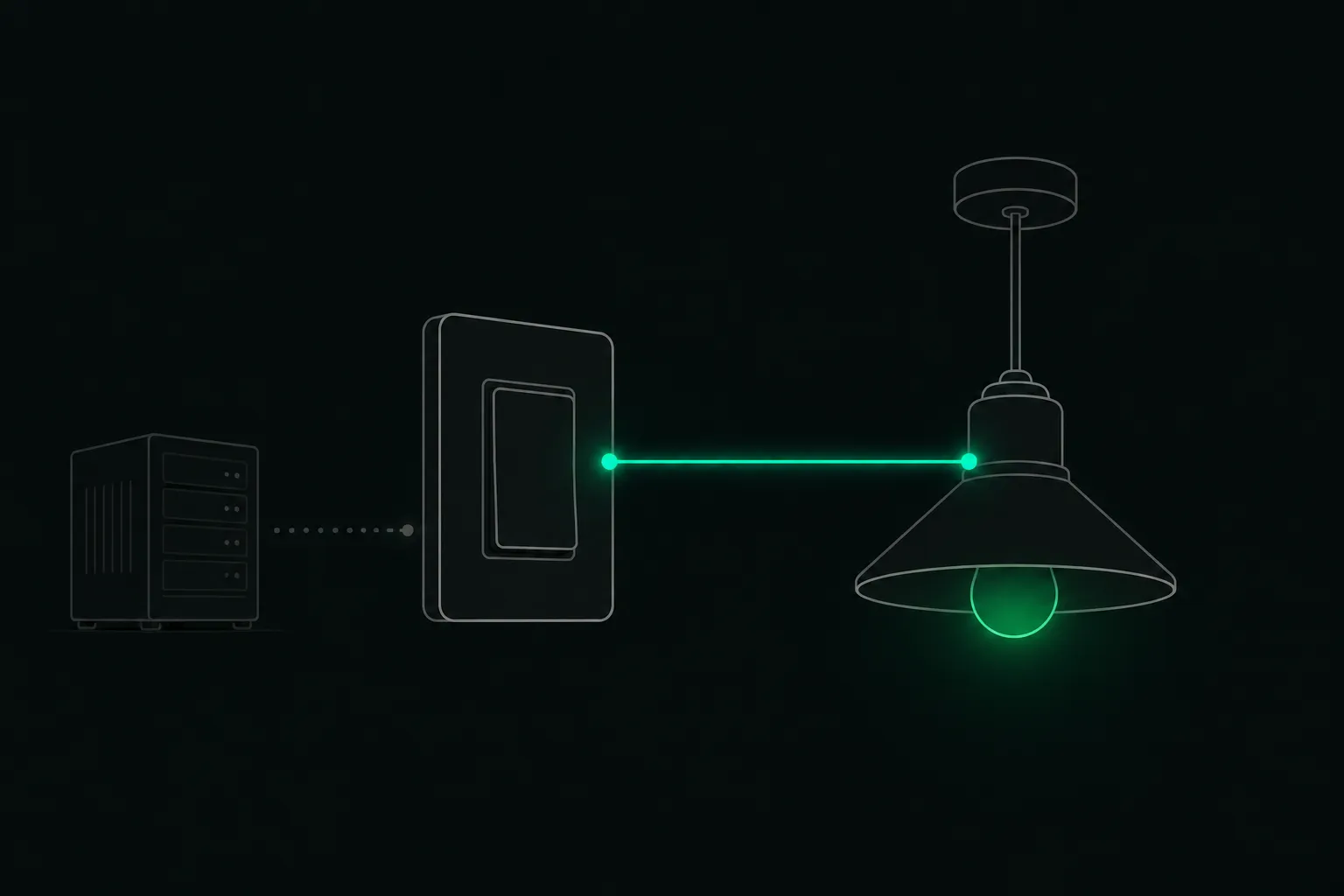
The first and most thorough route. If you build devices with ESPHome, you choose where the logic lives: as an automation in Home Assistant, or as an automation in the device’s own YAML. For basic functions the answer is clear-cut. A wall button physically wired to the controller’s GPIO gets an on_press that directly toggles the local relay or light component. No network involved, no hub consulted.
The ESPHome docs are refreshingly blunt here. Asked whether automations work without a network connection, they answer verbatim: “YES! All automations you define in ESPHome are executed on the microcontroller itself and will continue to work even if the Wi-Fi network is down”. That is not a side effect. It is a design goal.
The nice part: Home Assistant loses nothing. The relay state is still reported once the connection is back, the dashboard shows the light correctly, and any HA automation may switch it on top — dim in the evening, turn off when everyone leaves, whatever the context calls for. But the button on the wall works even when Wi-Fi, broker and server have all gone quiet. These days I wire every ESPHome actuator so its primary control is local, and treat everything arriving from outside as a bonus.
Method 2: Zigbee binding lets the button talk straight to the lamp
The second route needs no soldering iron. Zigbee has device-to-device control built into the protocol; the feature is called binding. The Zigbee2MQTT docs describe it in exactly those terms: devices control each other directly, “without the intervention of Zigbee2MQTT”. The button doesn’t send its command to the coordinator for processing. It sends it across the mesh to the bound lamp. Server rebooting? Zigbee2MQTT mid-update? The lamp couldn’t care less.
In practice you rarely bind to a single lamp. You bind to a Zigbee group: bathroom button to the group “bathroom”, and all three spots react at once, with a single group command instead of three unicasts. Which, as a side benefit, takes load off the radio network. ZHA users need not feel left out; binding works there too, from the device page.
Two honest caveats. First, not every device supports binding — it depends on the manufacturer’s Zigbee implementation; IKEA gear is traditionally well behaved here, while other brands only partially report bound state changes back. Second, battery-powered buttons sleep deeply: you have to wake them while setting up the binding, or it fails silently. Both points are in the linked docs, both are solved in ten minutes.
What else works directly
Z-Wave can do the same thing and calls it association. A device gets the target written into one of its association groups and from then on sends its Basic_Set directly, even when the controller is switched off or broken. Under Home Assistant you set this up on the Z-Wave JS device page, typically from group 2 upwards. The commands are deliberately plain: on, off, dim, and that’s it. For reflexes, that is exactly enough.
If there is a Hue Bridge in the house, its own accessories can serve as another layer: a Hue dimmer paired directly with the bridge switches its lamps even when Home Assistant doesn’t answer. Strictly speaking that is a smaller hub rather than no hub, but it is a second, independent one — and it updates far less often.
Shelly relays take the principle right into the flush-mounted box. The physical wall switch is wired to the relay’s switch input and switches locally on the device, Wi-Fi or no Wi-Fi. The interesting part is the inverse: the popular “detached mode”, where the input only emits events and the server does the switching, rebuilds precisely the dependency this post is about. Sometimes the comfort is worth it. It should be a conscious decision, not a habit.
And Matter? The standard explicitly provides for bindings; devices are meant to control each other without a controller in between. Home Assistant has added first binding features to its Matter add-on, still rudimentary, and device support is thin. Watch it, don’t build on it yet. The KNX crowd may allow themselves a mild smile at this point: logic living in the devices has been the norm there for decades, and the bus has no central server that could fail in the first place.
The layers compared
| Route | Switches during HA outage? | Needs a working network? | Logic power |
|---|---|---|---|
| ESPHome automation on the chip | ✅ | ❌ (not even Wi-Fi) | medium: conditions on the device |
| Zigbee binding (device/group) | ✅ | Zigbee mesh, no server | low: on/off/dim/colour |
| Z-Wave association | ✅ | Z-Wave radio, no controller | low: basic commands |
| Shelly switch input (coupled) | ✅ | ❌ | low: switching |
| Hue accessory on the bridge | ✅ | Hue Bridge + Zigbee | low to medium |
| Automation in Home Assistant | ❌ | the whole stack | high: everything, with full context |
The bottom row is not the worst one. It exists for something else. That is the point: this is not about dethroning Home Assistant, it is about putting every piece of logic on the layer it actually needs. “Light on” does not need a Python interpreter.
So what is left for the brain?
Everything interesting. Scenes that coordinate several trades. Presence, schedules, energy prices, weather. Notifications, statistics, the dashboard as the window into the house. Moving the reflexes out doesn’t demote Home Assistant, it makes Home Assistant more reliable and freer at the same time: the server now gets to do what only it can do, and nobody holds their breath during an update. It is the same idea that makes local installations more resilient than cloud dependencies, applied one layer further down — to your own server instead of somebody else’s.
For anyone installing Home Assistant professionally for clients, this is more than hygiene. A system whose basic functions don’t feel updates and reboots produces no phone calls at 9 pm. You can run maintenance in a clean, time-boxed window, update Core, restart add-ons, and the client simply doesn’t notice. With a handful of your own devices, you check all that by hand. Across twenty client installations you want the update status and health of every system in one place, or the checking eats the time the architecture just saved.
To close, back to the shower where this post started. The Core update is running, the server is booting, the dashboard is briefly grey. And the light? The light comes on. Because between the button and the lamp, nobody is sitting in the middle with something better to do.